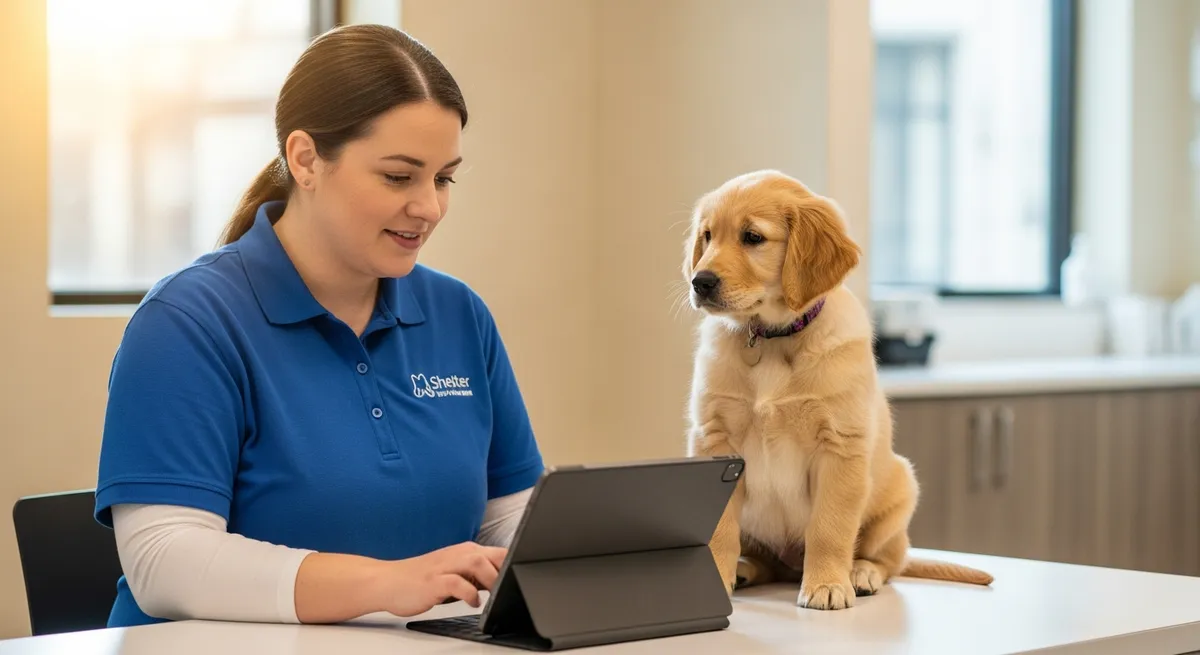
Animal intake is where every shelter record begins — and where the biggest operational problems start. If your intake process still involves paper forms, duplicate data entry, or staff chasing down missing information hours after an animal arrives, you're not managing records. You're surviving them.
Modern animal shelter software like PawMates Pro replaces this chaos with a digital-first intake workflow that captures everything at the point of entry and connects that data to every downstream process — medical records, kennel assignments, adoption listings, and outcome tracking. Here's what that actually looks like in practice.
The Intake Process: What Should Happen
When an animal arrives at your shelter, the intake record should capture:
- Animal identification: Species, breed, estimated age, weight, color, markings, and microchip scan
- Source and circumstances: Stray, owner surrender, transfer, born in care, law enforcement hold, or return
- Condition on arrival: Healthy, minor issues, needs medical attention, or critical
- Behavioral notes: Initial temperament observations, fear signals, and handling notes
- Kennel or housing assignment: Where the animal will be housed and any isolation requirements
- Photo documentation: At least one clear photo taken during intake for the animal's profile
The problem isn't that shelters don't know this — it's that most animal shelter management systems make this process slower than it needs to be. Staff toggle between screens, re-enter the same data in multiple places, and lose time on formatting instead of animal care. If your shelter is still running one of these older platforms, you're not alone — many organizations are stuck on outdated systems that were never designed for modern intake workflows.
How PawMates Pro Handles Intake
PawMates Pro digitizes the entire intake workflow into a step-by-step guided process. Staff walk through animal identification, source details, condition assessment, behavioral observations, and kennel assignment — all from a tablet or computer. The record is created the moment the animal arrives, and every piece of data entered during intake automatically populates the animal's profile, kennel card, and public listing.
There's no duplicate entry. No paper forms to transcribe later. No missing data because someone forgot to fill in a field. This is what modern shelter management software should do — and what most legacy platforms still can't.
Record Management After Intake
Intake is just the beginning. Every animal accumulates records throughout their stay:
- Medical records: Exams, vaccinations, medications, surgeries, and treatment notes
- Behavioral evaluations: Structured assessments covering interaction style, touch sensitivity, resource guarding, and environmental reactivity
- Status changes: Adoptable, hold, quarantine, foster, adopted, transferred, or returned
- Application history: Every adopter who applied, the compatibility flags surfaced during review, and the outcome
In legacy shelter software, these records live in different modules that don't talk to each other. Staff waste time hunting for information that should be one click away.
PawMates Pro links everything to the animal's profile. Medical history, behavioral data, application activity, and status changes are all visible from a single screen. When a staff member needs to answer a question about an animal — whether it's an adopter asking about vaccination history or a vet tech checking medication schedules — the answer is immediate.
Why This Matters for Outcomes
Shelters that manage records well adopt animals faster. Complete profiles mean better adoption listings — and when you pair accurate data with great pet descriptions, the results multiply. Accurate behavioral data means better matches through structured compatibility filtering. Accessible medical histories mean fewer delays in clearing animals for adoption — eliminating one of the biggest causes of adoption process delays.
The shelters that struggle with outcomes aren't struggling because they don't care. They're struggling because their tools make every task harder than it needs to be. If your shelter is ready for a system that works the way you do, see what PawMates Pro offers.
What should a shelter intake form include?
A comprehensive digital intake form should capture the animal's species, breed, age, weight, color, markings, microchip number, source (stray, surrender, transfer), condition on arrival, initial behavioral observations, vaccination status if known, and the assigned kennel or housing location. The best animal shelter software uses guided digital forms that auto-populate downstream records — eliminating the data re-entry that consumes staff time. PawMates Pro's intake module does exactly this with a step-by-step workflow that ensures nothing is missed.
How do shelters keep track of animal medical records?
The best approach is a digital medical record system linked directly to each animal's profile. Every exam, vaccination, medication, surgery, and treatment note is logged with timestamps and staff attribution. This creates a complete, searchable medical history that any authorized team member can access instantly — critical for adoption clearances, transfer documentation, and veterinary consultations. PawMates Pro stores all medical data directly on the animal's profile for one-click access.
What is the biggest challenge in shelter record-keeping?
Fragmentation. When intake data lives in one system, medical records in another, and adoption history in a spreadsheet, staff spend more time finding information than using it. The solution is a unified animal shelter management platform where every record — intake, medical, behavioral, and outcome — is linked to the same animal profile and accessible from a single interface. This is exactly how PawMates Pro is architected.
How can shelters reduce data entry errors during intake?
Guided digital forms with required fields, dropdown selections, and structured workflows prevent the most common errors. When staff follow a step-by-step intake process instead of filling in a blank form from memory, critical data points are rarely missed. Auto-population — where intake data flows into kennel cards, listings, and medical records without re-entry — eliminates transcription mistakes entirely. PawMates Pro's intake workflow is built around this principle.
Related Articles